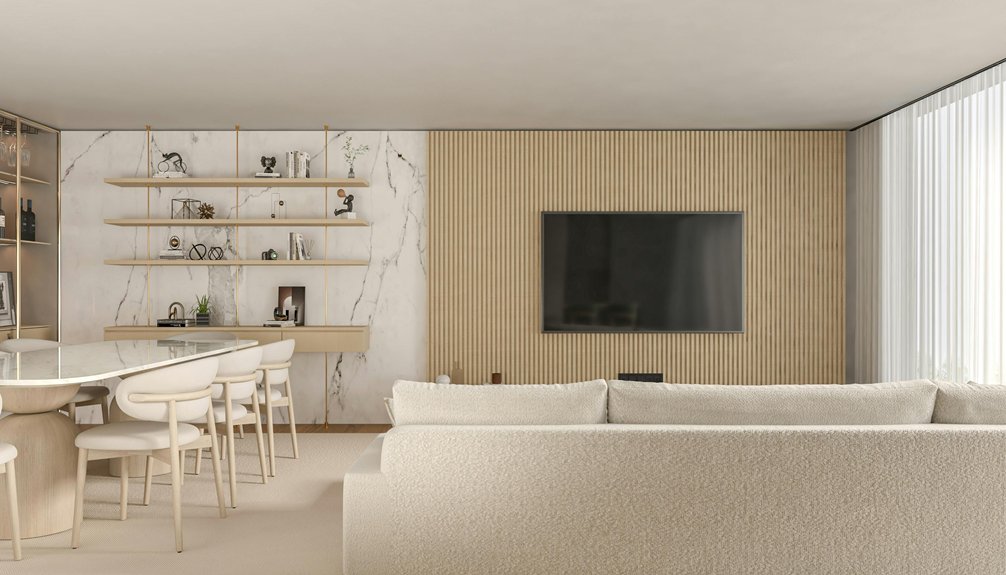
ChatGPT can definitely help you redesign your living room, but I’d call it more of a creative brainstorming buddy than a full designer. You upload a clear photo, describe your style, and it generates layout ideas and color suggestions. The catch? It can’t measure your actual room dimensions accurately or account for tricky details like door swings and window placement. I use it to explore possibilities, then verify everything with a tape measure before buying anything. For simple refreshes, it’s genuinely helpful—but structural changes need professional expertise.
Can ChatGPT Actually Decorate Your Living Room?
How’d you like to get professional decorating advice without paying a designer’s hourly rate?
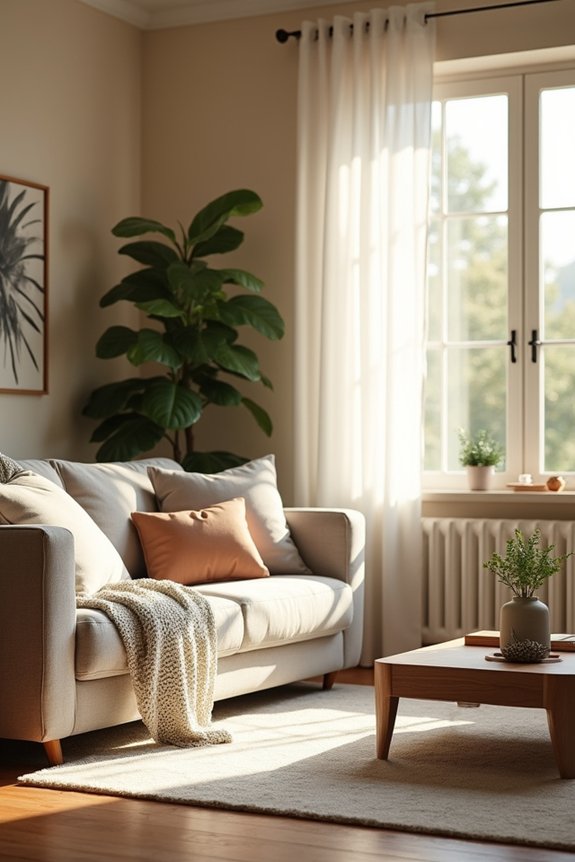
I’ve discovered that ChatGPT can help redesign your living room—though it’s more like having a creative collaborator than hiring an actual decorator. Here’s how it works: you upload photos of your space, describe what you’re envisioning, and ChatGPT generates images showing your room reimagined with different styles, colors, and furniture layouts.
The real value happens when you iterate. You can ask for adjustments—swap paint colors, try new molding styles, experiment with lighting placements. Each refinement gets you closer to something you’d actually love living with.
Think of it as having a design buddy who’s always available. Sure, the suggestions need real-world tweaking, but it’s a practical starting point when you’re uncertain where to begin.
What ChatGPT Can’t Do (And When to Hire a Designer)
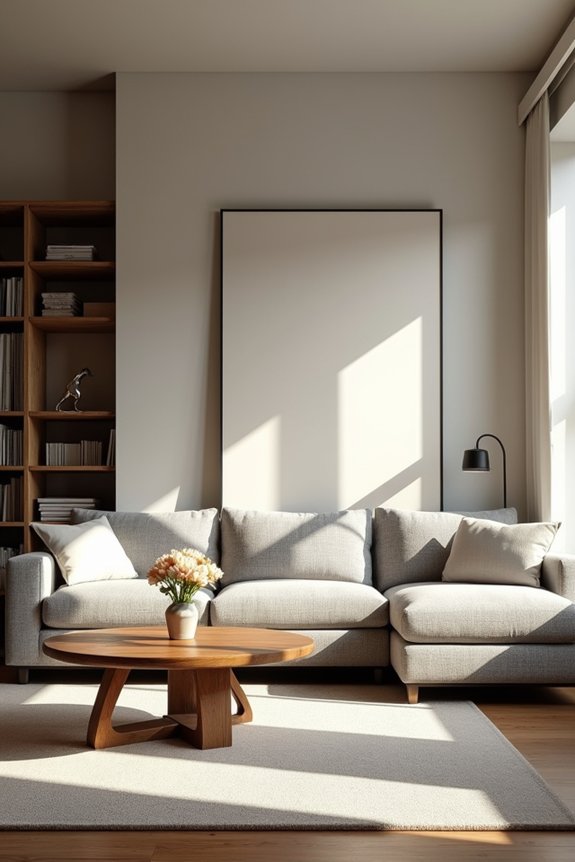
While ChatGPT excels at suggesting styles and generating visual mockups, it’ll miss critical details like where your door actually swings or whether that window receives afternoon sun—details that matter when you’re living in the space. I’ve learned through experience that AI can’t measure your oddly-shaped alcove, account for load-bearing walls, or tell you if that trendy furniture will fit through your hallway (spoiler: sometimes it won’t). That’s when a real designer steps in, someone who’ll spend time in your room, understand your actual constraints, and create a plan you can build, not just admire on a screen.
Spatial Accuracy Limitations
Ever noticed how that perfect furniture layout in a design app suddenly looks ridiculous when you try it in your actual room?
I’ve been there. ChatGPT struggles with spatial accuracy—it can’t truly understand your room’s real dimensions, door placements, or window positions. The AI might suggest squeezing a sectional where a wall actually exists or propose knocking out walls that aren’t going anywhere.
| Problem | Real Impact |
|---|---|
| Misplaced doors/windows | Furniture blocks entry points |
| Ignored measurements | Items won’t fit through doorways |
| Unrealistic layouts | Design looks wrong in person |
| Missed constraints | Structural impossibilities |
| No on-site assessment | Costly mistakes |
For accuracy, you’ll need actual measurements and professional verification. I recommend hiring a designer to validate AI concepts before committing to purchases or renovations. Your space needs that professional assessment.
Professional Expertise Gaps
So here’s where I’ll be honest with you: ChatGPT’s pretty good at throwing out design ideas, but it can’t replace someone who’s actually stood in your living room and felt the space. When you’re tackling structural changes, electrical work, or anything requiring permits, you need a licensed professional. I’ve seen AI suggest layouts that ignored building codes or furniture placements that’d never fit through doorways. A real designer brings experience I simply can’t get from AI—they understand how materials work together, know local regulations, and catch safety issues before they become problems. They’ll also guide you through timelines and budgets realistically. For simple refreshes, ChatGPT works fine. But for complex design projects, bringing in a professional gives you confidence that your space is both attractive and actually livable.
When Hiring Is Essential
How do you know when it’s time to stop asking ChatGPT for help and actually call a professional? I’ve learned it’s when your interior design plans involve structural changes—like removing walls, installing built-in shelving, or planning complex electrical work for lighting. ChatGPT might confidently suggest moving that doorway, but it can’t assess load-bearing walls or code compliance. That’s where real expertise matters.
I also call a designer when I need precise measurements and material specifications. They conduct on-site assessments, catch problems AI misses, and handle project management. Major renovations demand someone who understands safety and durability beyond what a photo-based tool can offer.
Think of it this way: ChatGPT works well for brainstorming mood boards and styling ideas. But when the stakes are high, professional guidance protects both your space and your wallet.
Choose Your Design Style Before Prompting
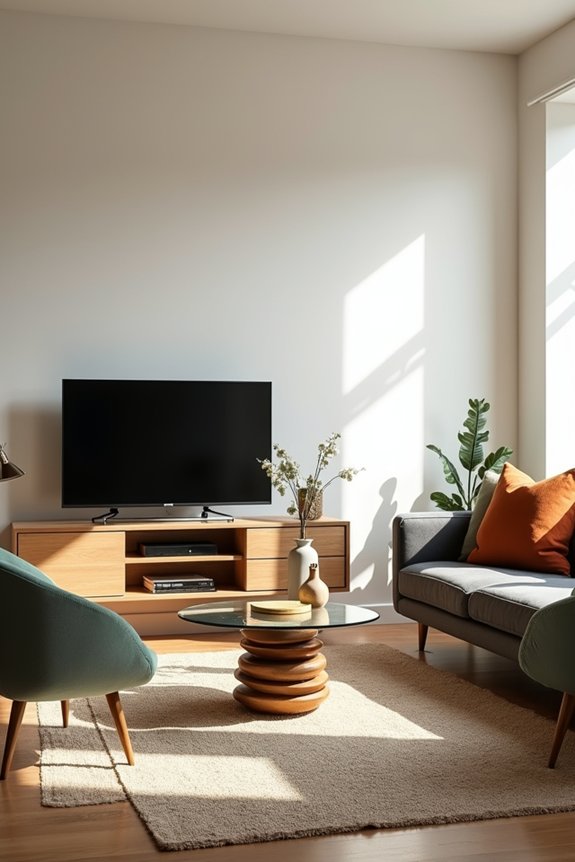
Before I started asking ChatGPT to redesign my living room, I realized I was throwing random ideas at it like I was playing interior design roulette—and the results showed it. Once I sat down and actually figured out what style appealed to me (whether that’s Scandinavian Minimalism with clean lines and neutral tones, or Modern Boho with plants and warm textures), my prompts became sharper and the AI suggestions actually worked together as a cohesive whole. Knowing upfront whether you’re going for cozy farmhouse vibes or sleek contemporary looks keeps ChatGPT from suggesting mismatched pieces that clash like a disco ball in a library.
Define Your Aesthetic Vision
Getting ChatGPT to design your living room starts before you ever type your first message—you need to know what you actually want. I learned this after requesting a “cozy modern space” and getting suggestions all over the place.
Your aesthetic vision is the foundation. Think about the feeling you want when you walk in. Do you crave Scandinavian calm with light woods and whites? Or maybe Rustic Farmhouse warmth with natural textures? Be specific with adjectives like airy, dramatic, or intimate.
I describe my functional needs too. I need smart storage because I collect things. I want multi-functional seating for movie nights with friends. These details help ChatGPT suggest pieces that actually work for your life, not just look good in photos.
Research Style Preferences First
Why’d I jump straight into ChatGPT without knowing what I actually liked? Turns out, that’s the quickest way to get suggestions that feel totally wrong for your space. Before I started chatting with AI, I spent time scrolling through Pinterest, flipping through design magazines, and honestly, just daydreaming about my ideal living room. I discovered I’m drawn to Modern Boho—think clean lines mixed with natural textures, warm neutrals, and plants everywhere. Understanding my style preferences helped significantly. When I finally prompted ChatGPT, I could say exactly what I wanted: “I love Scandinavian minimalism with warm woods and cozy textiles.” Suddenly, the suggestions worked. Knowing your vibe beforehand turns ChatGPT from a guessing game into your actual design partner.
Be Specific About Your ChatGPT Room Design Requests
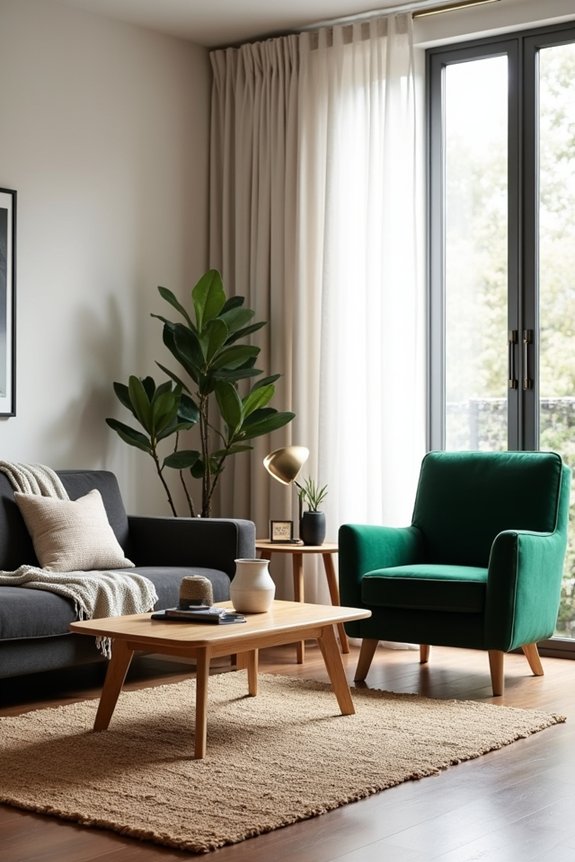
How much detail you give ChatGPT really matters when you’re asking it to redesign your space.
The level of detail you provide ChatGPT directly impacts the quality of your room design results.
I’ve learned this the hard way. When I told ChatGPT to “make my living room better,” it suggested changes I didn’t want—like replacing my built-in bookshelves. That’s when I realized vague ChatGPT design prompts lead to disappointing results.
Now I’m specific. I describe exactly what I want: “Keep my fireplace and trim untouched. I want warm, earthy paint colors—think terracotta or sage—but no bold patterns.” I specify placement too: “New accent lighting near the reading corner, not overhead.”
Including what you don’t want actually helps. I tell ChatGPT my budget, my style vibe, and which architectural elements are off-limits. This focused approach gives me designs that work for my space, not generic suggestions I’ll ignore.
Upload a Clear Photo of Your Living Room
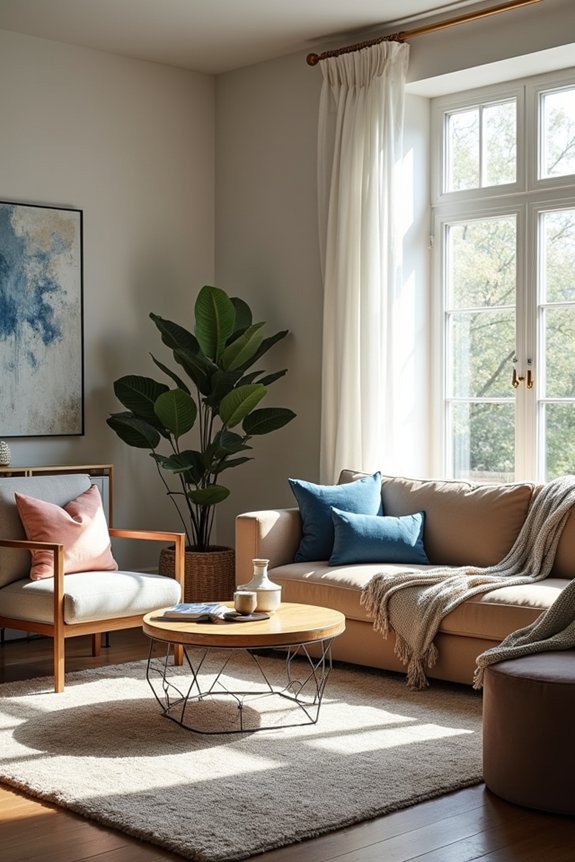
Now that you’ve got your design wishes locked down, it’s time to show ChatGPT what you’re actually working with. Uploading a clear photo matters. Snap a picture of your living room in good lighting—natural light works best—so ChatGPT can actually see your space, not just imagine it. Make sure the photo captures your whole room, including walls, furniture, and that awkward corner you’re not sure what to do with.
The clearer your image, the better ideas you’ll get back. I learned this the hard way after sending a blurry photo and getting suggestions that didn’t match my actual layout. Once you upload, ChatGPT uses your image as its blueprint, generating designs tailored specifically to your space rather than generic suggestions.
Refine Your ChatGPT Renderings: Layout and Furniture
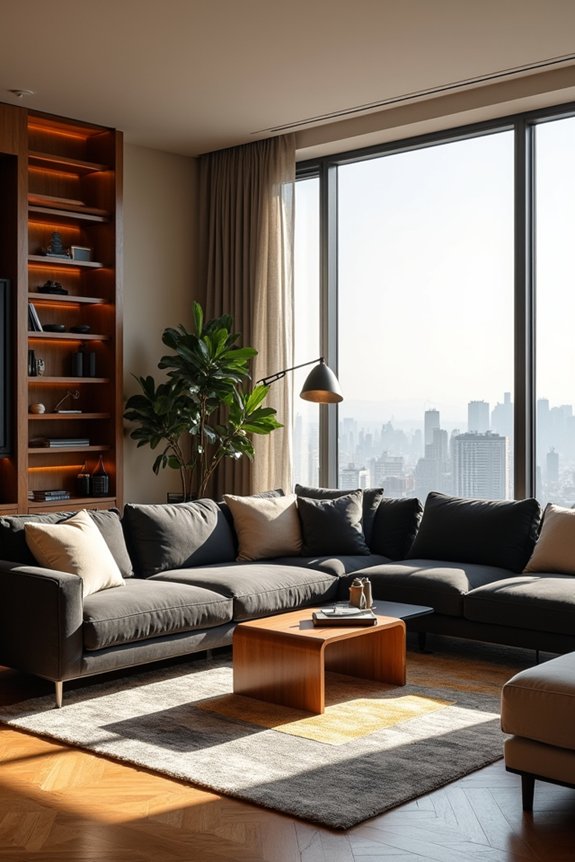
Once you’ve got your photo uploaded, I’ve found that tweaking one thing at a time—like moving the sofa away from the window or resizing the rug—actually gets you better results than asking ChatGPT to overhaul everything at once. I’ll be honest, the AI sometimes misses details like where your doors swing open or which walls get direct sunlight, so I’ve learned to catch those mistakes early and give it specific corrections (“keep the bookshelf where it is, just move the TV”). Testing out a couple different layouts—say, couch by the window versus couch floating in the middle—helps me see which one actually works for how I move around my space, not just what looks good in a picture.
Iterative Prompt Refinement Strategies
Getting ChatGPT to nail your living room redesign isn’t about dumping everything into one massive prompt and hoping for the best—it’s about refining your vision step by step, like you’re having a conversation with a designer who actually listens.
I’ve learned that iterative refinement works best when I adjust one element at a time. Instead of redesigning everything simultaneously, I tweak the layout, then evaluate. Next, I’ll adjust lighting. Then color palette. This approach lets me see exactly what impacts the space without creating chaos.
| Element | First Prompt | Adjustment | Result |
|---|---|---|---|
| Layout | Sofa centered | Sofa facing built-ins | Better flow |
| Lighting | Overhead only | Add task lights | Warmer feel |
| Colors | Neutrals | Boho accent tones | More personality |
| Constraints | None listed | Preserve windows | Realistic design |
Measuring Feasibility Against Renderings
Why do ChatGPT renderings sometimes look perfect on screen but feel off when you actually try to fit that sectional into your space?
The gap between renderings and feasibility comes down to measurement reality. I’ve learned that those beautiful AI images don’t account for your actual room dimensions or how furniture really occupies space. Before committing to a layout, I pull out my tape measure and compare my room’s exact measurements against the rendered furniture sizes. A sofa that looks proportional on screen might actually consume your entire walkway in real life.
I test alternate scales too—swapping a large TV for a smaller one or exploring lighter pieces. This step-by-step verification keeps my renderings grounded in actual feasibility rather than digital fantasy. It’s the difference between inspiration and something you can genuinely live with.
Layer in Design Details: Colors, Textures, and Finishes
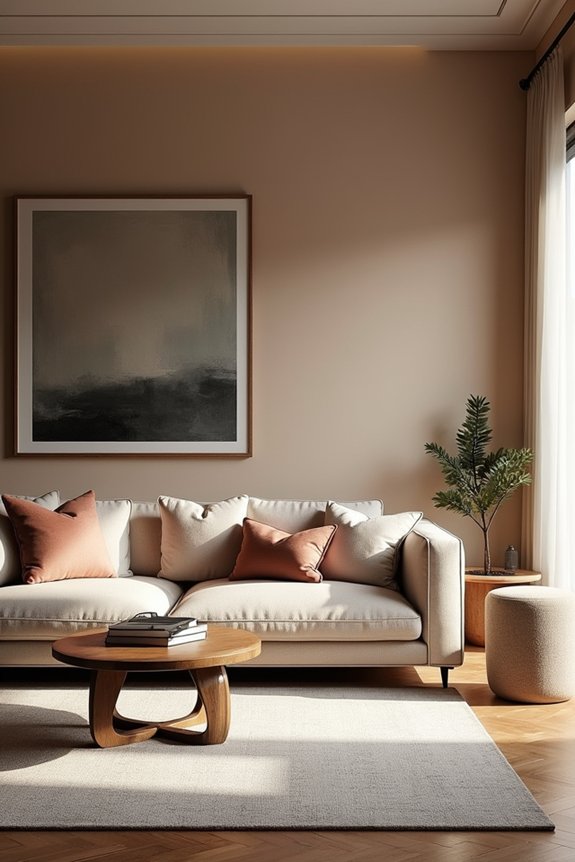
How do you turn a blank canvas into a room that actually feels like *you*? I’ve found that layering in design details is where things come together. Start with colors, textures, and finishes that speak to your style—maybe warm paint tones paired with a coffered ceiling for sophistication. I add recessed lighting and gold accents to highlight specific areas and create that cozy glow I crave.
Then comes the tactile stuff. I choose furniture finishes—rich wood, brushed metal, soft upholstery—that work together. Toss in some greenery for natural texture and freshness without rearranging everything.
Here’s my honest take: it takes refinement. I ask ChatGPT follow-up questions, tweaking suggestions until the colors, textures, and finishes align with what I’m envisioning. That iterative back-and-forth? That’s when a room becomes mine.
When ChatGPT Ignores Your Instructions: How to Fix It

I’ve learned the hard way that sometimes ChatGPT needs you to be way more specific—like, instead of saying “make it modern,” I had to say “keep the windows and roof exactly as they are, but swap out the couch for a sleek gray sectional and paint the walls soft white.” If that still doesn’t work, starting a fresh chat actually helps because ChatGPT forgets all the confusing back-and-forth from before. The real trick is changing just one thing at a time (furniture first, colors next), which keeps everything from getting jumbled and helps me see exactly what’s working.
Rephrasing Prompts For Clarity
Sometimes ChatGPT doesn’t quite get what you’re after—and that’s usually not because the AI’s being stubborn, but because your prompt needs more detail. I’ve learned that rephrasing prompts with specifics helps. Instead of saying “make my living room cozy,” I now describe exactly what I want: colors, placements, elements to avoid, even the mood I’m chasing.
| Vague Prompt | Better Rephrase | Why It Works |
|---|---|---|
| “Decorate my room” | “Add warm lighting and keep the TV centered” | Specifies placement and style |
| “Make it modern” | “Use grays, whites, and avoid florals” | Names colors and constraints |
| “Rearrange furniture” | “Move the sofa left; keep the bookshelf right” | Gives exact directions |
Breaking requests into smaller steps—layout first, then colors, then lighting—keeps ChatGPT focused and aligned with your vision.
Starting Fresh With Details
What if the problem isn’t ChatGPT’s stubbornness—it’s that your design request got tangled up in previous conversations?
I learned this the hard way. When my AI kept suggesting color changes I’d explicitly rejected, I realized my prompt was buried under earlier chat history. That’s when I started fresh.
Opening a new chat for each room gives ChatGPT design guidance a clean slate. It’s like talking to someone who hasn’t heard your previous rants about that awful wallpaper.
In this fresh conversation, I include every detail upfront: “Keep the hardwood flooring untouched. Don’t move windows. Just change the accent wall color from beige to sage green.”
Being brutally specific from the start saves frustration. No assumptions, no mixed signals, no confusion. Just clear instructions meeting focused attention.
Adjusting One Element Strategically
When ChatGPT starts suggesting changes you didn’t ask for, the culprit is usually that you’re asking it to juggle too many things at once. I learned this the hard way when my AI decorator redesigned my entire room instead of just moving the sofa.
Here’s what worked: I started giving single-variable prompts. Instead of “redesign my corner,” I’d say “keep everything fixed except test sofa placements against the left wall.” This refinement process keeps ChatGPT focused.
After each adjustment, I’d verify it didn’t mess with my fixed elements—wall color, window placement, that vintage bookshelf I’m obsessed with. By tackling one piece at a time, my room evolved exactly how I wanted it, without surprise makeovers derailing the whole vision.
ChatGPT Free vs. ChatGPT Plus for Room Design
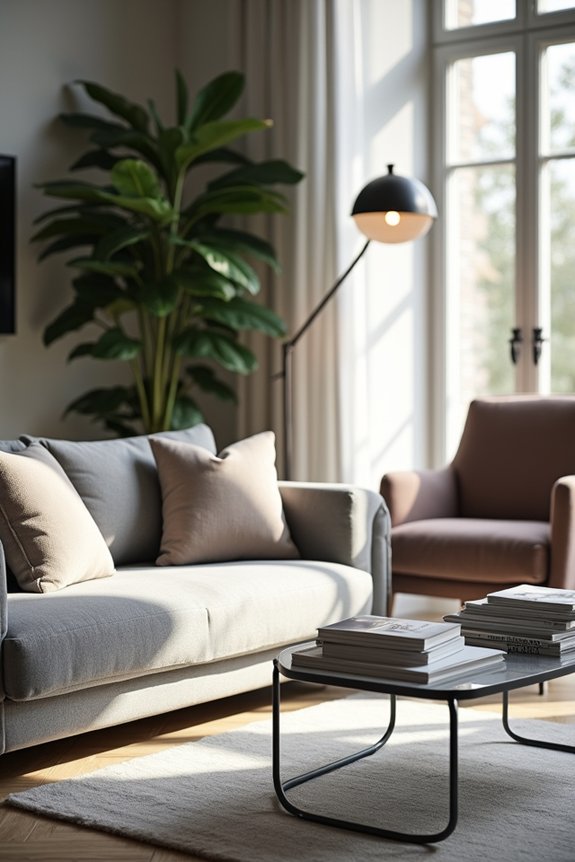
How much design help you actually get from ChatGPT depends entirely on which version you’re using.
I’ve found that ChatGPT image generation capabilities differ substantially between the free and Plus versions. Here’s what I discovered:
- Free version: You’re limited to 3 images daily, which feels restrictive when you’re experimenting with your living room vision.
- Plus version: About 50 images every three hours—significantly more freedom to explore different furniture arrangements and color schemes without waiting.
- Speed matters: Plus reduces wait times during peak hours, so you’re not waiting between generations.
Both versions support step-by-step refinements, letting you adjust one element at a time. But if you’re serious about redesigning your space, Plus makes ChatGPT a far more practical tool for iterating quickly.
Start a New Chat for Every Room
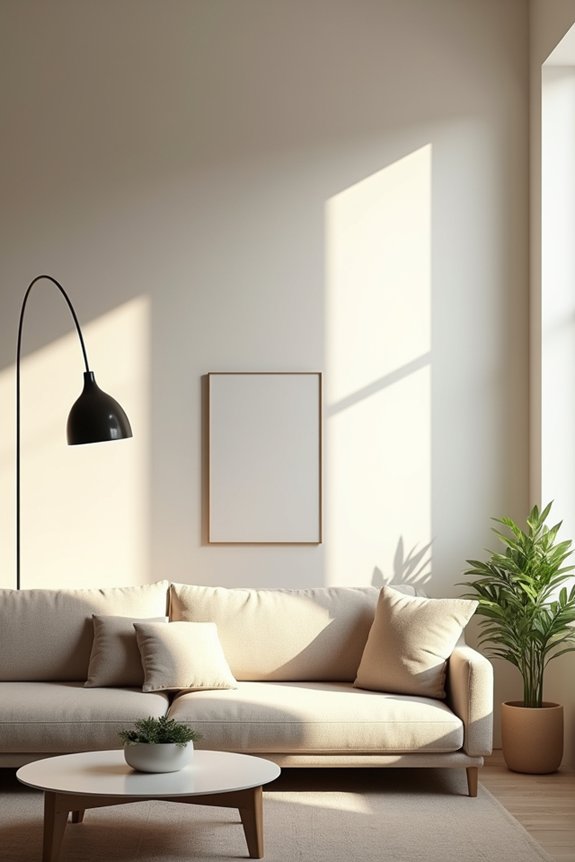
Once you’ve picked your ChatGPT plan, here’s an important shift I wish I’d known earlier: start a completely separate chat for each room you’re designing. I learned this the hard way after mixing my living room ideas with my bedroom concepts—total chaos.
Here’s why a new chat matters: ChatGPT stays focused on one space without getting confused by previous room details. When I started fresh conversations, the AI gave me better suggestions tailored specifically to my living room layout, not some blended version of multiple spaces.
Think of it like this—each room deserves its own dedicated designer. Upload your photo, describe your vision, and let that new chat build ideas from scratch. You’ll notice improved recommendations, clearer style consistency, and way less mental clutter. This single shift improves your entire design process.
Get Styling Ideas and Shopping Recommendations From ChatGPT
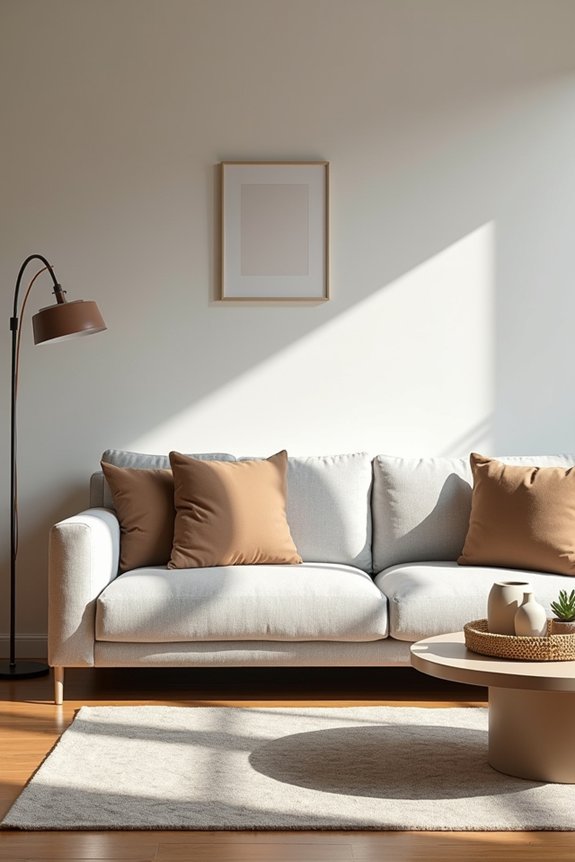
Why settle for guessing what’ll actually look good in your living room? ChatGPT can help you create a space you’ll genuinely enjoy. You upload photos of your room, describe your style preferences, and ChatGPT delivers personalized ideas that actually fit your space and budget.
Here’s what makes this approach useful:
- Paint color suggestions that complement your furniture and lighting
- Furniture layout recommendations that maximize your room’s flow and comfort
- Shopping guidance showing exactly where to buy pieces at different price points
ChatGPT analyzes your uploaded images and creates actionable plans aligned with styles like modern, Scandinavian, or industrial. You’re not just getting random suggestions—you’re getting a shopping roadmap tailored specifically to your living room. It’s like having a designer friend who actually gets your vision and respects your budget constraints.
Moving From Renderings to Real Redesign: What Actually Works
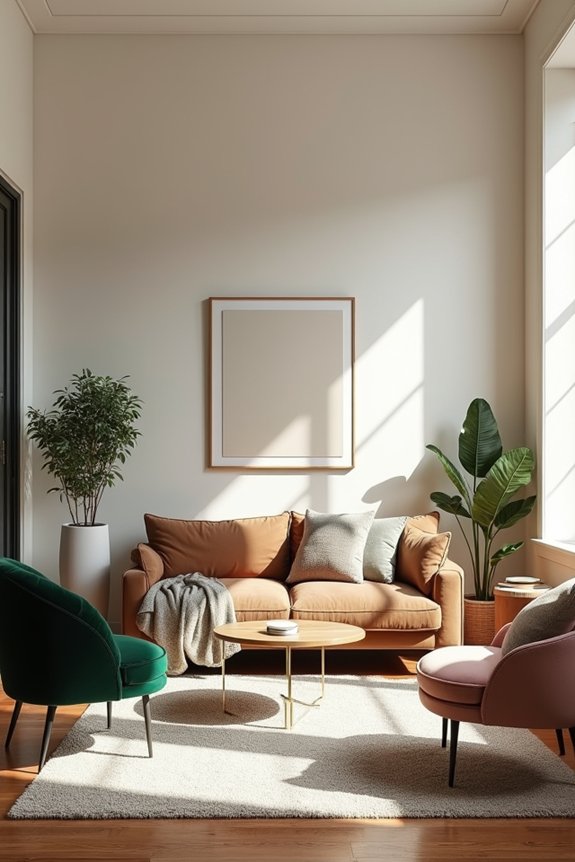
Getting an AI rendering of your living room is exciting—but here’s the plot twist: that beautiful digital vision often doesn’t translate perfectly to your actual space. I learned this the hard way when my AI-generated furniture layout looked great on screen but completely blocked my doorway in real life.
That’s why design validation matters. I now treat renderings as starting points, not finished plans. I measure everything twice, check electrical outlets, and test how traffic actually flows through my room. Before buying paint or wallpaper, I sample them in my actual lighting.
I also refine my prompts gradually, tweaking one element at a time—layout first, then colors, then lighting. This approach helps me catch problems early instead of discovering them after spending money. Your AI decorator is a helpful friend, but your tape measure is your honest one.
ChatGPT Interior Design Limitations You Should Know
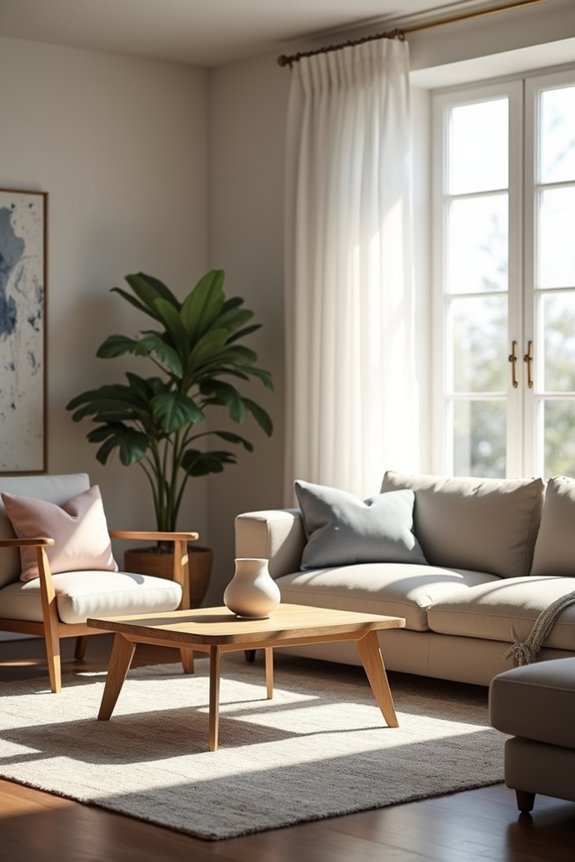
How many times have you stared at an AI rendering only to realize it completely ignored your doorway?
You’re not alone. ChatGPT interior design limitations can frustrate even patient decorators. Here’s what I’ve discovered matters:
- Spatial confusion – Windows vanish, doorways shift mysteriously, and furniture floats impossibly close to walls
- Image generation caps – Free users get three daily images; paid plans offer roughly 50 every three hours
- Iterative refinement required – Most designs need multiple prompts to nail accuracy, testing your creativity and patience
I’ve learned that treating ChatGPT outputs as brainstorming starting points, not final plans, saves disappointment. The platform shines brightest when you upload your actual room photos and request hyper-specific changes—one element per prompt works best.
Don’t let these ChatGPT interior design limitations discourage you though. They’re simply part of the creative journey we’re all working through together.
Can ChatGPT Match Your Exact Room Dimensions?
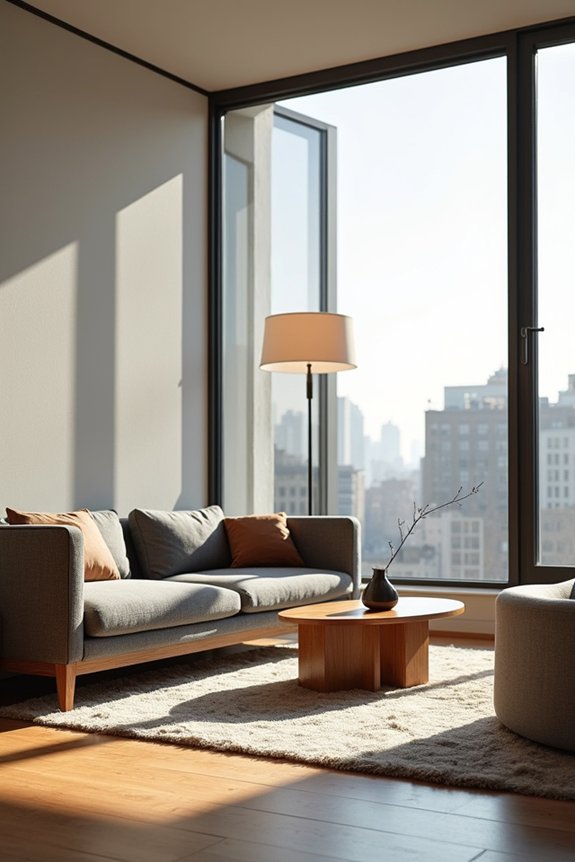
Once you’ve wrapped your head around ChatGPT’s spatial quirks, you’ll probably wonder: can this AI actually nail your room’s precise dimensions?
Here’s the honest truth: it can’t. ChatGPT struggles with exact measurements because it’s working from photos and descriptions, not blueprints. When I uploaded my living room picture and gave dimensions, the AI occasionally placed furniture awkwardly or misread how tight my space actually was.
That’s why I’ve learned to treat ChatGPT as my creative brainstorming buddy, not my architect. I measure my room myself—length, width, doorways, windows—then verify the AI’s suggestions against those numbers. Think of it this way: ChatGPT generates good ideas, but you’re the quality control expert. Your measurements keep everyone honest and prevent costly mistakes.
How Much Does This Cost Compared to Hiring a Designer?
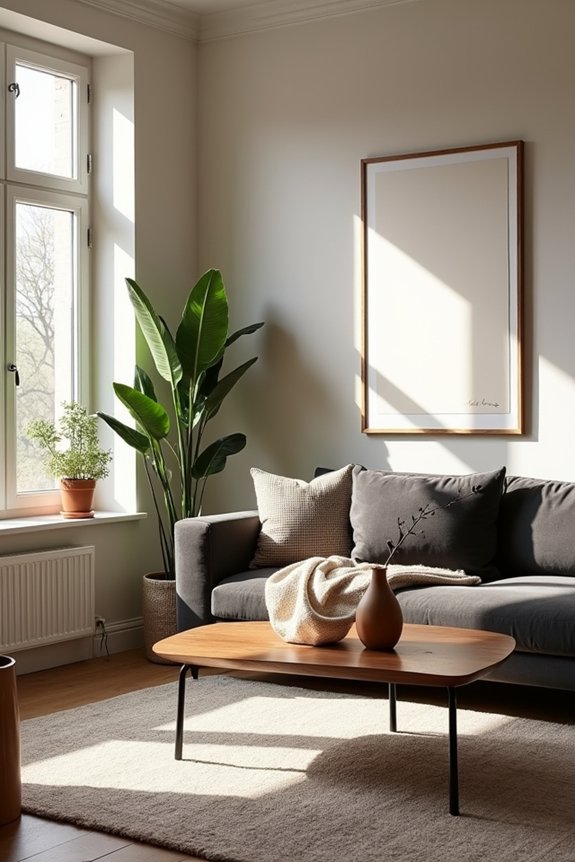
The price difference? It’s pretty dramatic. Hiring a professional designer costs hundreds or thousands of dollars, while I’m using ChatGPT’s free plan with just 3 images daily. Here’s what I discovered:
- Free tier gets me started without spending anything, perfect for initial brainstorming
- ChatGPT Plus upgrades my capacity to roughly 50 images every three hours for a monthly fee
- A traditional designer charges flat rates or hourly fees that quickly exceed what I’d pay for Plus
Sure, I need multiple prompts and refinements to nail my vision—it’s not perfect. But honestly? I’m getting rapid ideation at a fraction of the cost. The iterative process means I’m actively shaping my space, which feels more personal anyway. It’s like having an affordable design partner in my pocket.