I’ve ditched my old design magazines because AI tools like RoomGPT, VisualizeAI, and Decoratly generate photorealistic room makeovers in seconds. RoomGPT provides two instant styles from one photo, while VisualizeAI lets you adjust details with text prompts. Want zero cost? RoomsGPT handles two free redesigns. For shopping, RoomGenius links you straight to furniture. Teams appreciate Spacely AI’s collaboration features. The advantage? You’ll find which tool matches your style when you explore your specific needs.
Best Overall: RoomGPT Transforms Any Room With One Photo
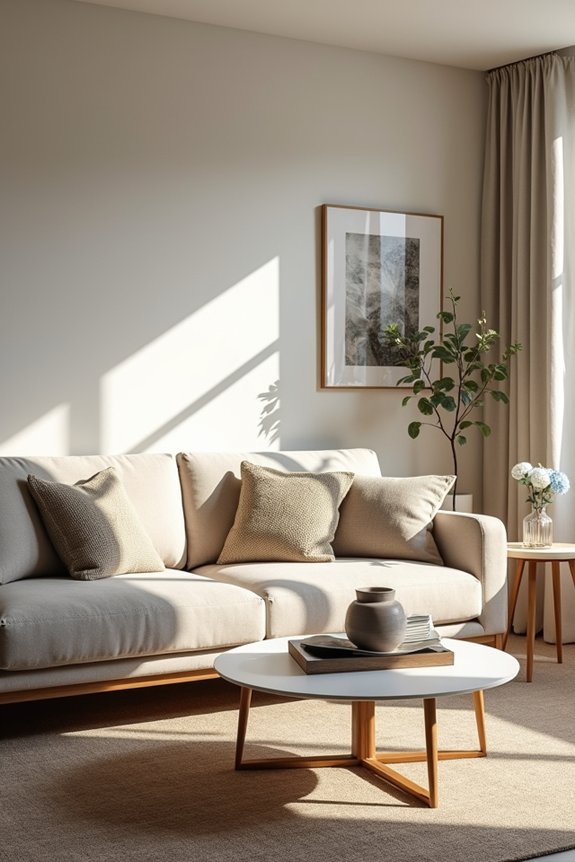
Imagine snapping a single photo of your living room and watching an AI instantly reimagine it in two completely different styles—that’s exactly what RoomGPT does. I love how this AI interior design tool works: I upload my room’s photo, and boom, I get two unique renders in seconds. What really hooked me is the Makeover Mode feature. It lets me redesign walls, floors, furniture, and doors in about 30 seconds without needing a designer’s input. The photo-to-render process is straightforward and efficient. I can preview multiple design themes quickly, experiment with different aesthetics, and the tool keeps me engaged. The free tier gives me enough to test it out, while paid plans unlock unlimited rooms and 30+ styles. RoomGPT gives me access to professional-level design assistance without leaving home.
Best for Customization: VisualizeAI’s AI Interior Design With Text Control
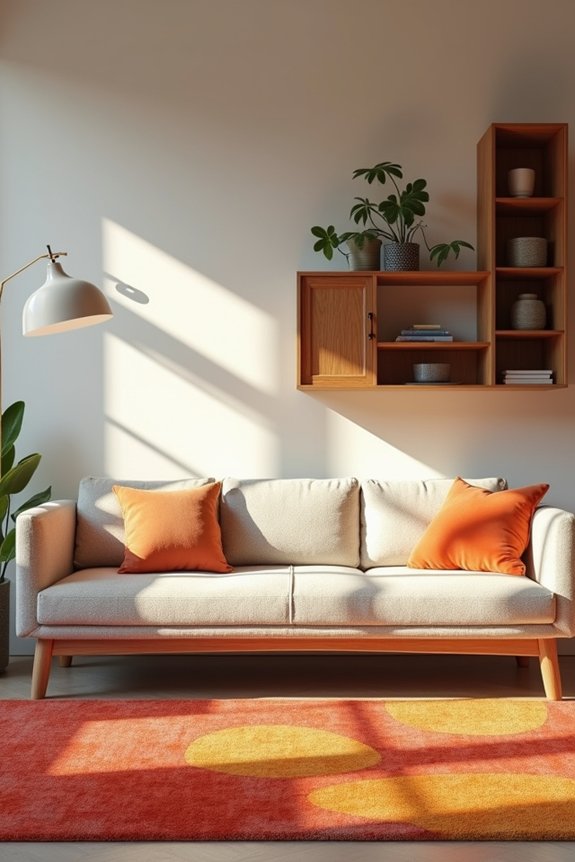
You can tell an AI exactly what you want—and get it. That’s VisualizeAI’s core strength. Upload a photo or sketch of your living room, then use text prompts to customize every detail. Want to remove those cabinet handles that drive you crazy? Just ask. Prefer softer lighting instead of harsh shadows? Done. This interior design tool lets you experiment with room types and styles through presets, but the real power comes when you layer in your specific requests. You’re not stuck with generic suggestions—you’re directing the process. After some free initial prompts, it’s $19 monthly. Occasionally the finishes look slightly off, and more paint guidance would help. But for precise, unique renderings that match your vision? VisualizeAI delivers.
Best Free Option: RoomsGPT Generates Full Room Redesigns at No Cost
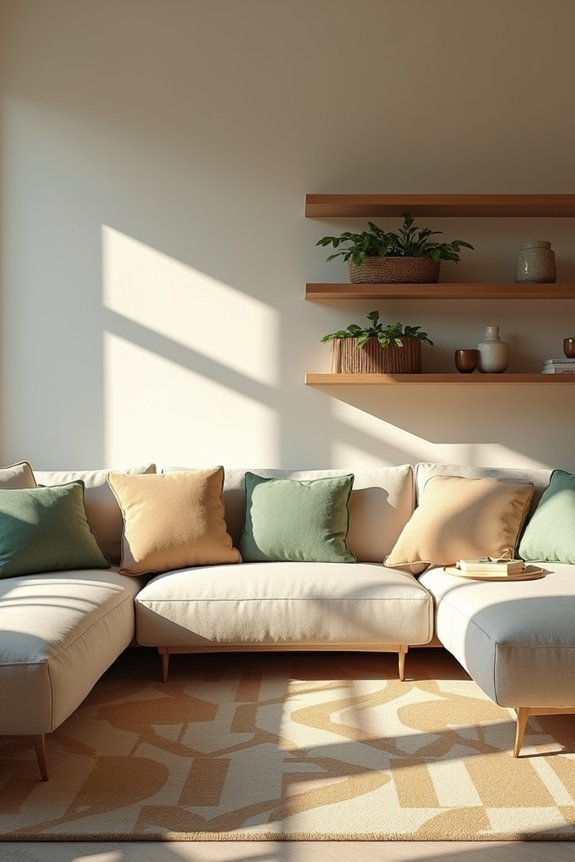
If you’re not ready to drop $19 monthly on design software, RoomsGPT is your answer. I appreciate how accessible this free AI interior tool makes room redesigns—no credit card, no email trap, just instant results.
RoomsGPT offers free AI room redesigns with no credit card required—instant, accessible design exploration without the premium software price tag.
Here’s what I get with the free version:
- Two full room redesigns per prompt uploaded from my phone
- Two room uploads and one edit without any watermark cluttering my images
- A retro interface that’s fun to navigate
The best part? I can experiment with different design styles and room types without hiring an expensive designer. Sure, some renders aren’t perfectly realistic and color guidance could be deeper, but for quick concept exploration, it delivers solid results. I’ve discovered design directions I’d never have considered alone.
Fastest Results: Decoratly Complete Room Redesigns in 60 Seconds
How fast can an AI actually redesign your whole room? Decoratly delivers photorealistic renders in about 60 seconds. You’ve got two powerful modes to choose from: Makeover mode completely reimagines your walls, floors, furniture, and doors for a fresh look, while Enhance/Edit mode keeps your layout intact but lets you recolor items, remove pieces, or adjust lighting instantly.
| Feature | Time Required |
|---|---|
| Full room redesign | ~60 seconds |
| Wall reimagining | Included |
| Furniture changes | Included |
| Lighting adjustments | Seconds |
| Custom style building | Minutes |
The AI design tool includes 30+ presets and a Style Builder for exploring concepts. You’ll chat with the AI designer about palettes and get personalized suggestions. The free tier lets you test two uploads and two renders before deciding to upgrade for unlimited access.
Best for Teams: Spacely AI High-Resolution Renders With Collaboration
Ever notice how design teams spend half their time waiting for renders and the other half explaining why the client’s vision doesn’t quite match the mockup?
Design teams waste half their time waiting for renders and half explaining mismatches between vision and mockup.
Spacely AI changes that frustrating cycle. I’ve found their platform delivers high-resolution AI renders in about 45 seconds, which feels invaluable when you’re on a tight deadline. What makes Spacely different for teams is its built-in collaboration features:
- Multi-user workflows let your whole team work simultaneously without stepping on each other’s toes
- Batch processing handles multiple living room variations at once
- Adjustable lighting, materials, and layouts mean you keep your core work intact while experimenting
The real win? You’ll shift client presentations from “here’s what I’m thinking” to “here’s exactly what you’re getting.” That confidence matters when you’re building trust.
Best With Shopping: RoomGenius AI Design Plus Instant Furniture Links
You’ve got the perfect design in your head, but then comes the part where you actually have to find and buy everything—and that’s where most people get stuck. That’s exactly what RoomGenius AI Design fixes for me. After I upload a photo and get my AI design rendered, I see furniture suggestions pop up with direct shopping links built right into the app. I don’t have to hunt across five different websites anymore. The drag-and-drop shopping feature lets me explore matching pieces instantly, and when I find something I like, boom—I’m one click away from buying it. With 70,000+ users already redesigning their spaces, I’m joining folks who’ve ditched the frustration. This room makeover tool streamlines my shopping experience, making furniture links straightforward and accessible.
Which Tool Should You Choose: Decision Framework by Use Case?
I’ve learned that picking the right tool really comes down to two things: how much you want to spend and how hands-on you want to be with your design. If you’re like me and just want something quick at a reasonable cost, RoomsGPT’s free renders and simple setup mean you can test ideas in minutes, while VisualizeAI or HomeVisualizerAI might require significant spending if you’re not careful about monthly subscriptions. But here’s the thing—if you’ve got zero design experience and just want a makeover plus actual furniture to buy, Decoratly’s shopping integration saves you from staring at a pretty picture and wondering where to find that couch.
Budget And Commitment Level
How much are you willing to spend, and how serious are you about this room redesign?
Your budget and commitment level should guide your AI room design choice. Here’s what works for different situations:
- Testing the waters: RoomsGPT and Decoratly offer free tiers with limited uploads and renders—suitable for experimenting without risk
- Serious hobbyists: VisualizeAI’s $19/month plan lets you input text-guided details for precise customization
- Design professionals: HomeVisualizerAI’s paid plans ($12/month+) deliver professional-grade visualization tools for accuracy-focused projects
Start with free visualization tools if you’re unsure. Once you know what you want, upgrade to paid options that match your vision. RoomGenius works well if you’re testing multiple angles before committing significant funds.
Design Expertise And Goals
Your skill level and what you’re actually trying to achieve matters way more than you’d think when picking an AI room design tool. If I’m being honest, I’d grab RoomGPT or Decoratly when I just want quick results without overthinking it. But if I’m serious about nailing specific design styles or integrating real products into my vision, VisualizeAI or HomeVisualizerAI become my go-to choices. They let me fine-tune lighting, finishes, and mood with precision that gets results. For professionals juggling client communication and tight deadlines, tools with batch processing and proposal-ready visuals save revision rounds. The real advantage? Finding what matches your goals, whether that’s rapid exploration or detailed renders that communicate your design vision.